 Italiano
  English
  Français
  Español
  Deutsch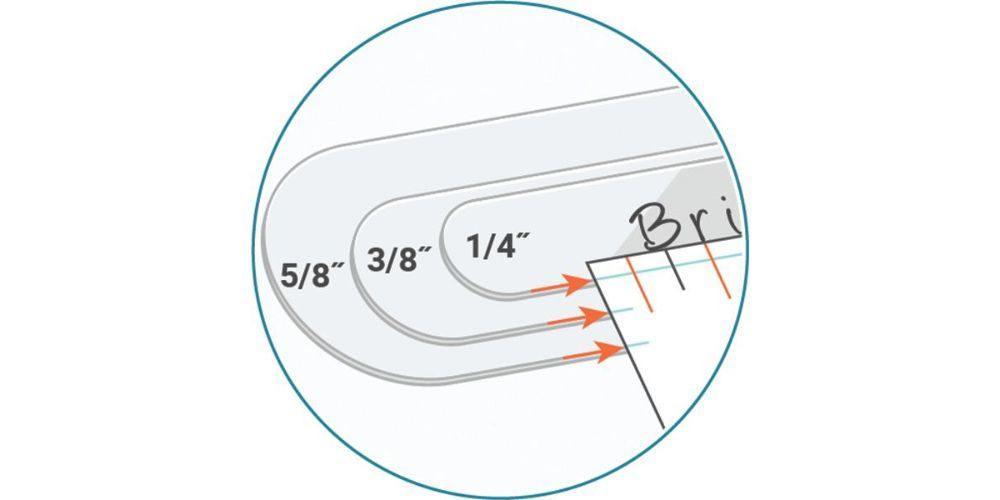
Let's see how to create impressions on a bracelet using ImpressArt products.
What you need:
- Ergo Handle Hammer
- Bridgette alphabet set uppercase and lowercase
- Aluminium bracelet
- Mixed guide stickers or bracelet adhesive guides
Step 1
Rotate the steel block so that it is positioned in a diamond shape. Lay the bracelet blank horizontally on the block.
NOTE - Keeping the steel block in this position will make it easier to find the centre of the blank.
Step 2
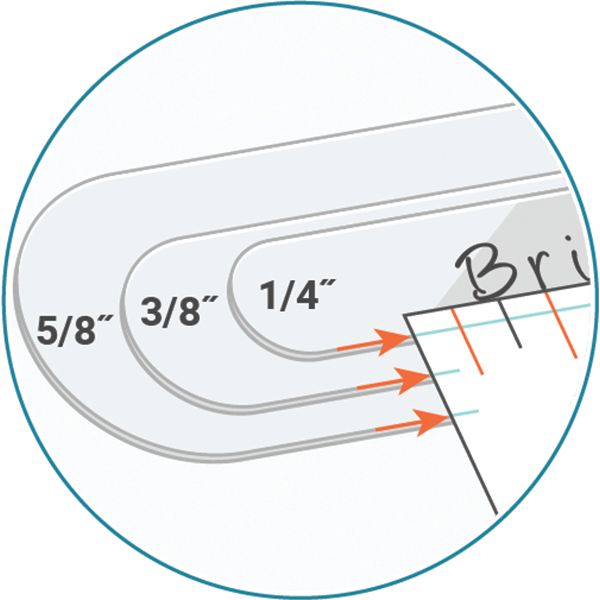
Attach the bracelet guide to the centre of the blank, aligning the main orange mark on the guide (the central one) with the top and bottom corners of the steel block.
For 6 mm high bracelets, ensure that the small horizontal blue line on the guide aligns with the bottom edge of the blank.
For 10 mm high bracelets, align the central blue marks on the side of the guide with the bottom edge of the blank.
For 16 mm high bracelets, align the last blue marks on the side of the guide with the bottom edge of the blank.
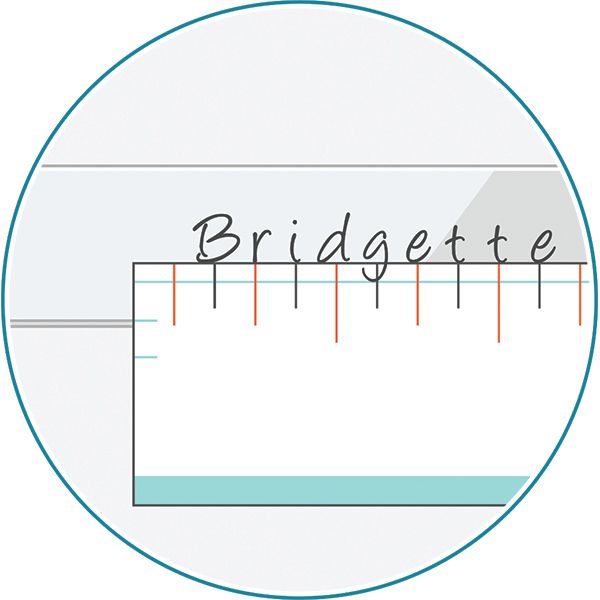
Step 3
Place the punch on the blank and gently slide it towards the corresponding mark on the guide until it reaches the edge.
TIP - Keep the punch flat and steady on the blank before striking it.
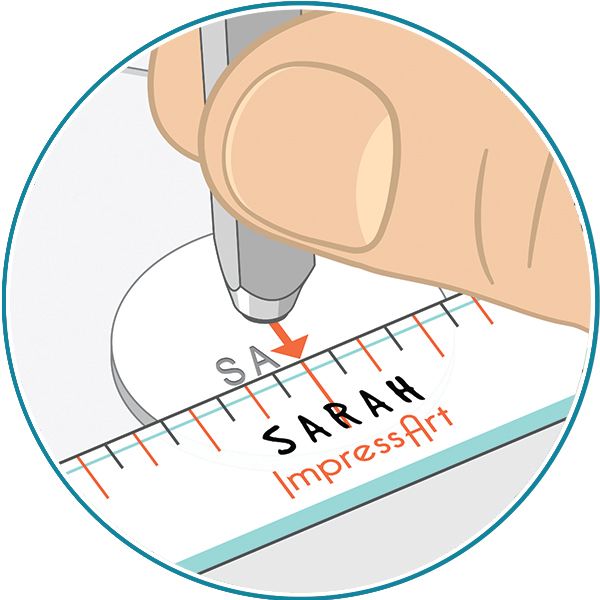
Step 4
Rest your hand on the work surface and strike the punch once with the hammer without applying too much force. Repeat this process until you complete the desired word or message.
NOTE - For the lowercase letters g, j, p, q, y, position the bottom of the punch on the blue line on the guide.